Set the scene
Choose a device frame, explore a 3D angle, or bring your own graphics onto the canvas.
YOUR ONLINE MOCKUP STUDIO
Turn your app, website, or artwork into a launch-ready visual. Make device mockups, posters, and cards in your browser. Pick a scene. Add your design. Download.
No sign-up No watermark Made for your desktop browser
From screenshot to showcase
Drop in your design, choose a scene, and adjust the background or crop. Start with this exact example and replace the image.
Use this scene ↗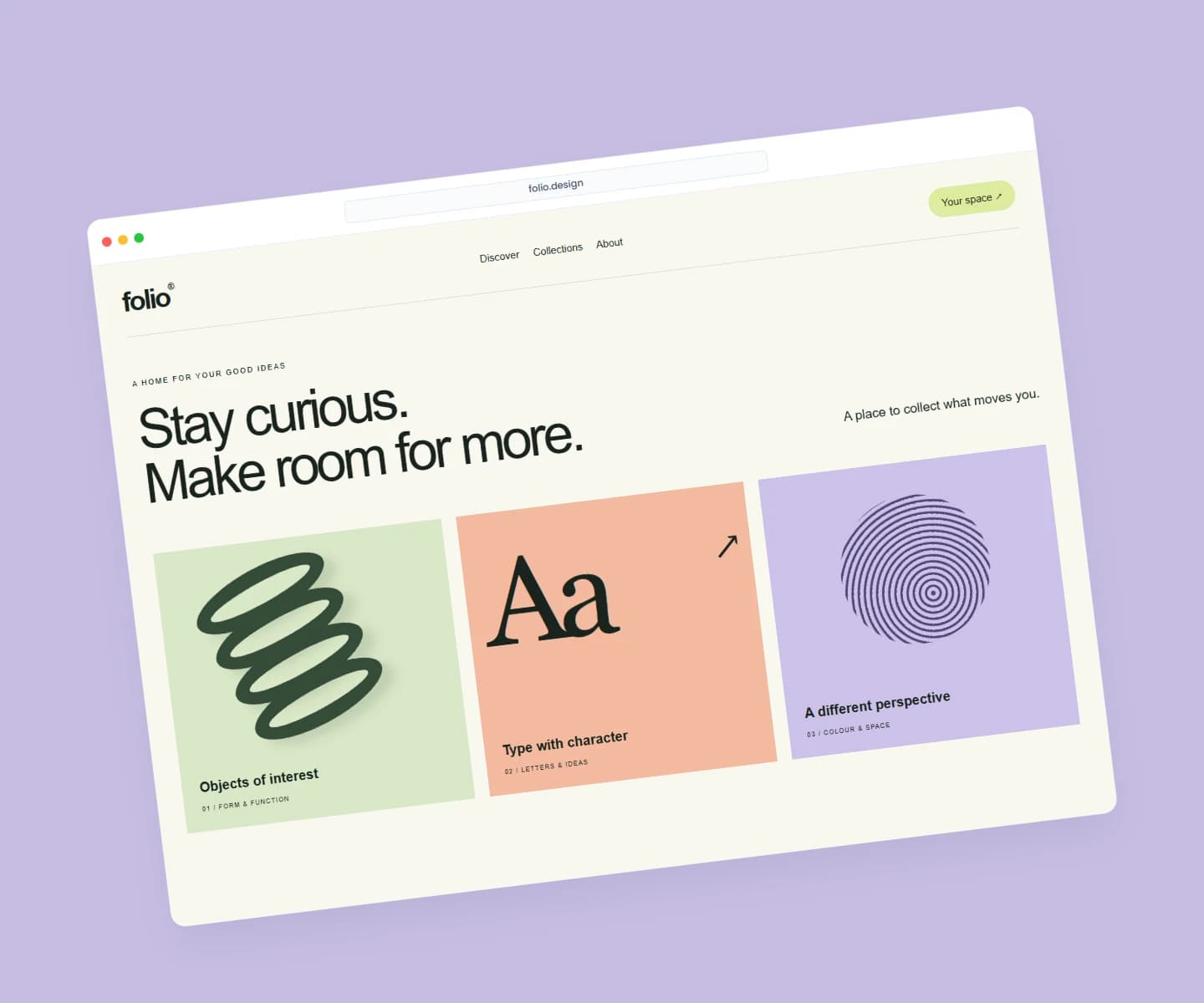
 Screenshot
A LITTLE INSPIRATION
A new app. A fresh identity. Your next big launch.
Give every idea a setting of its own.
Showing 8 examples
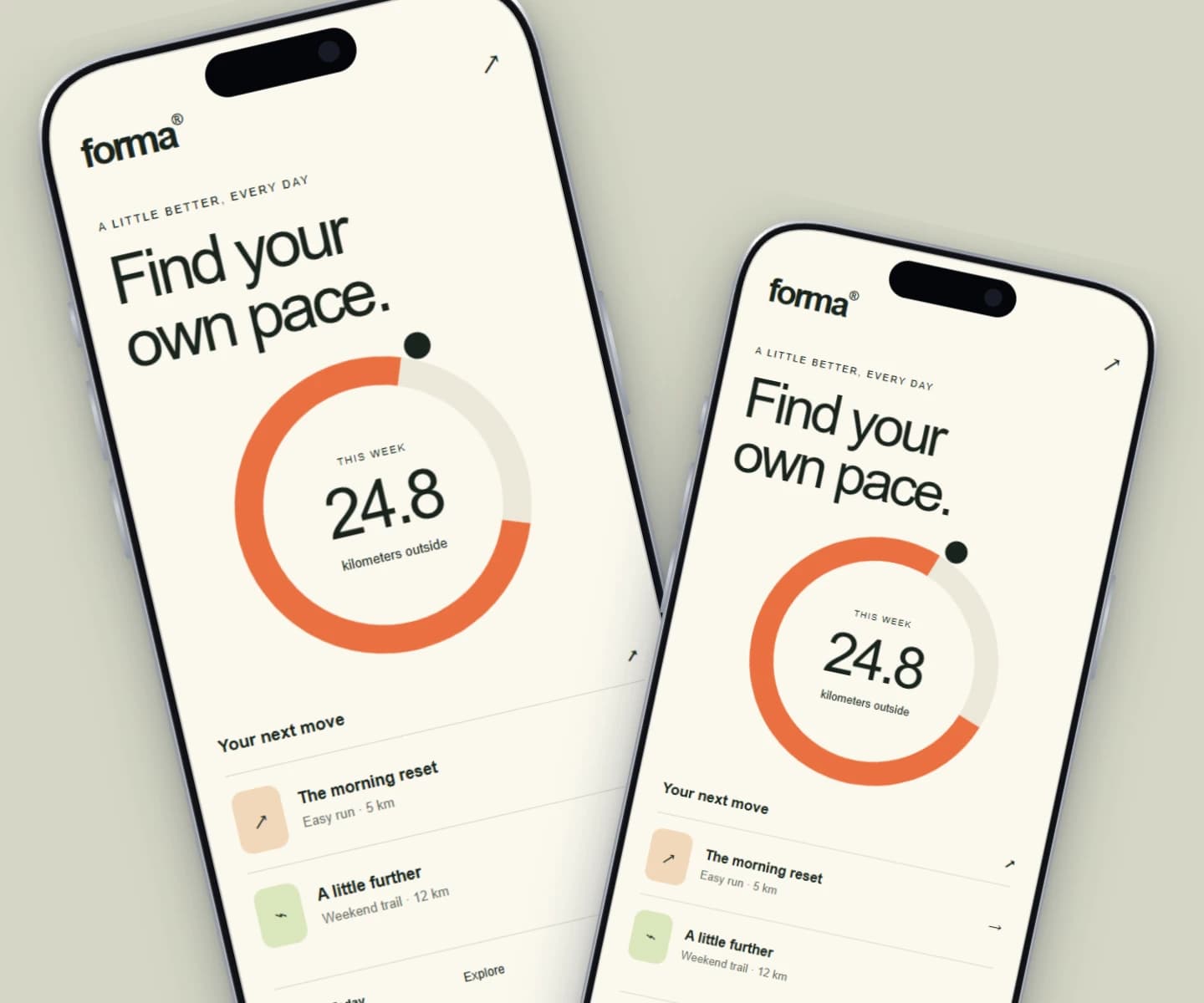
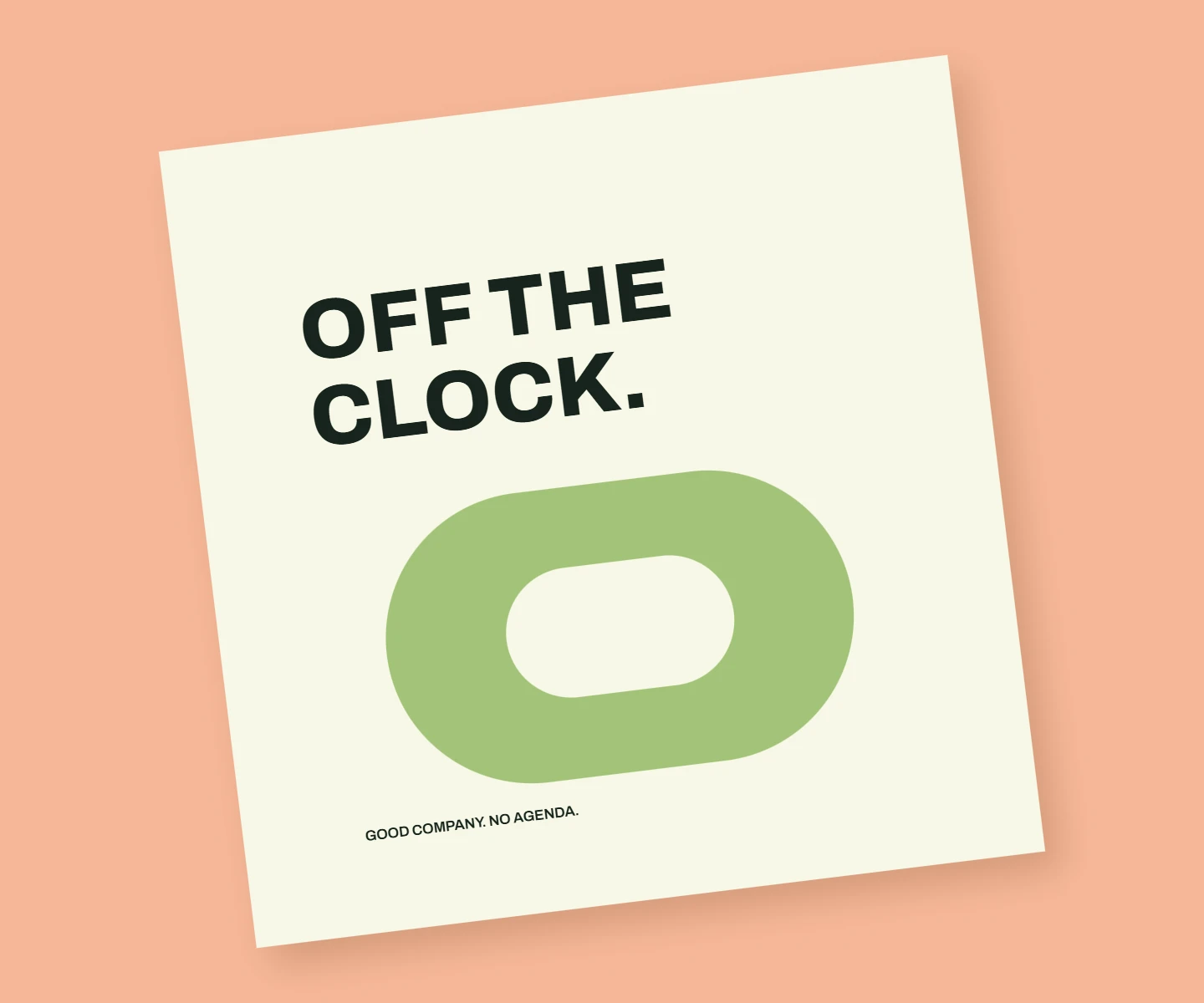
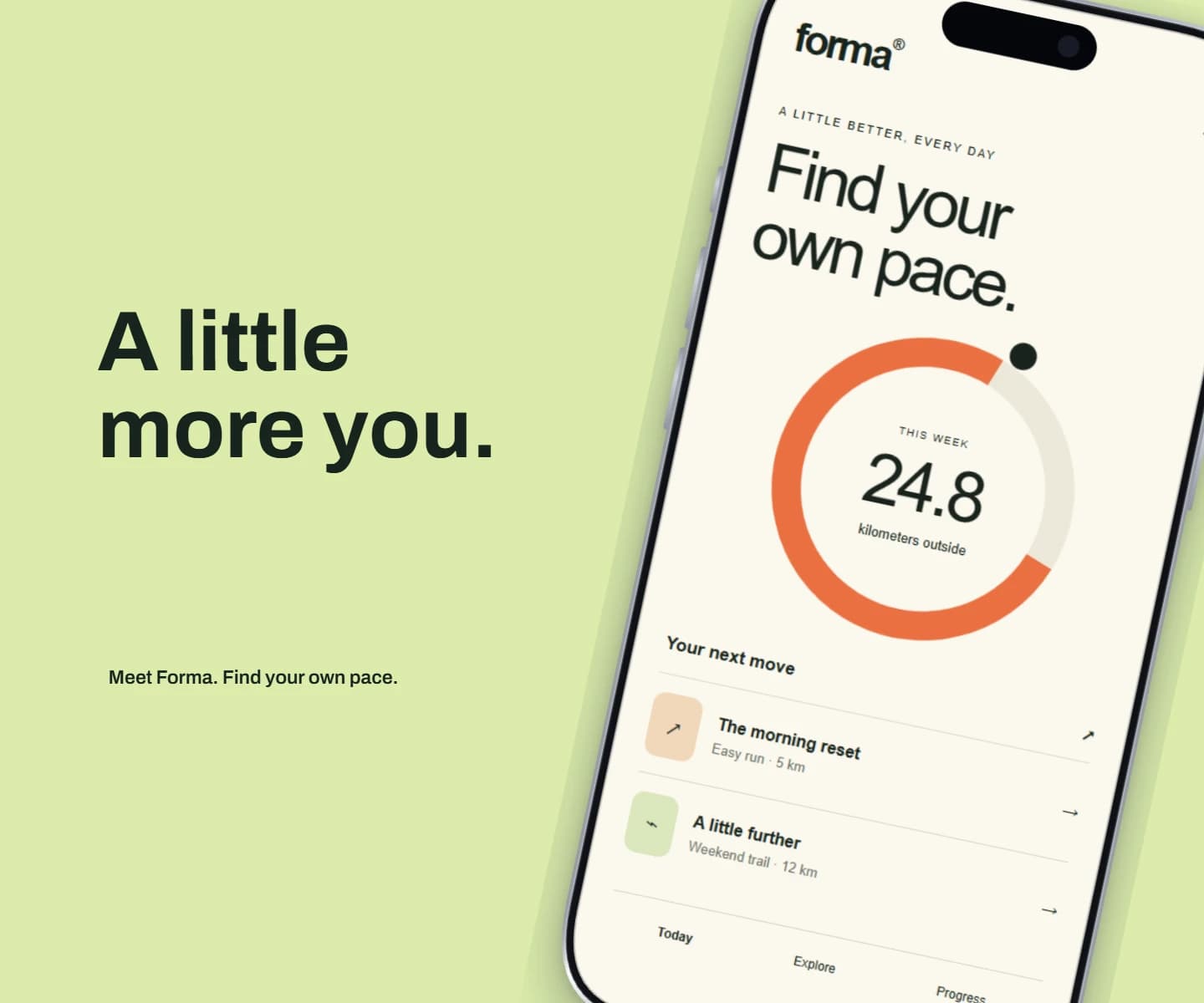
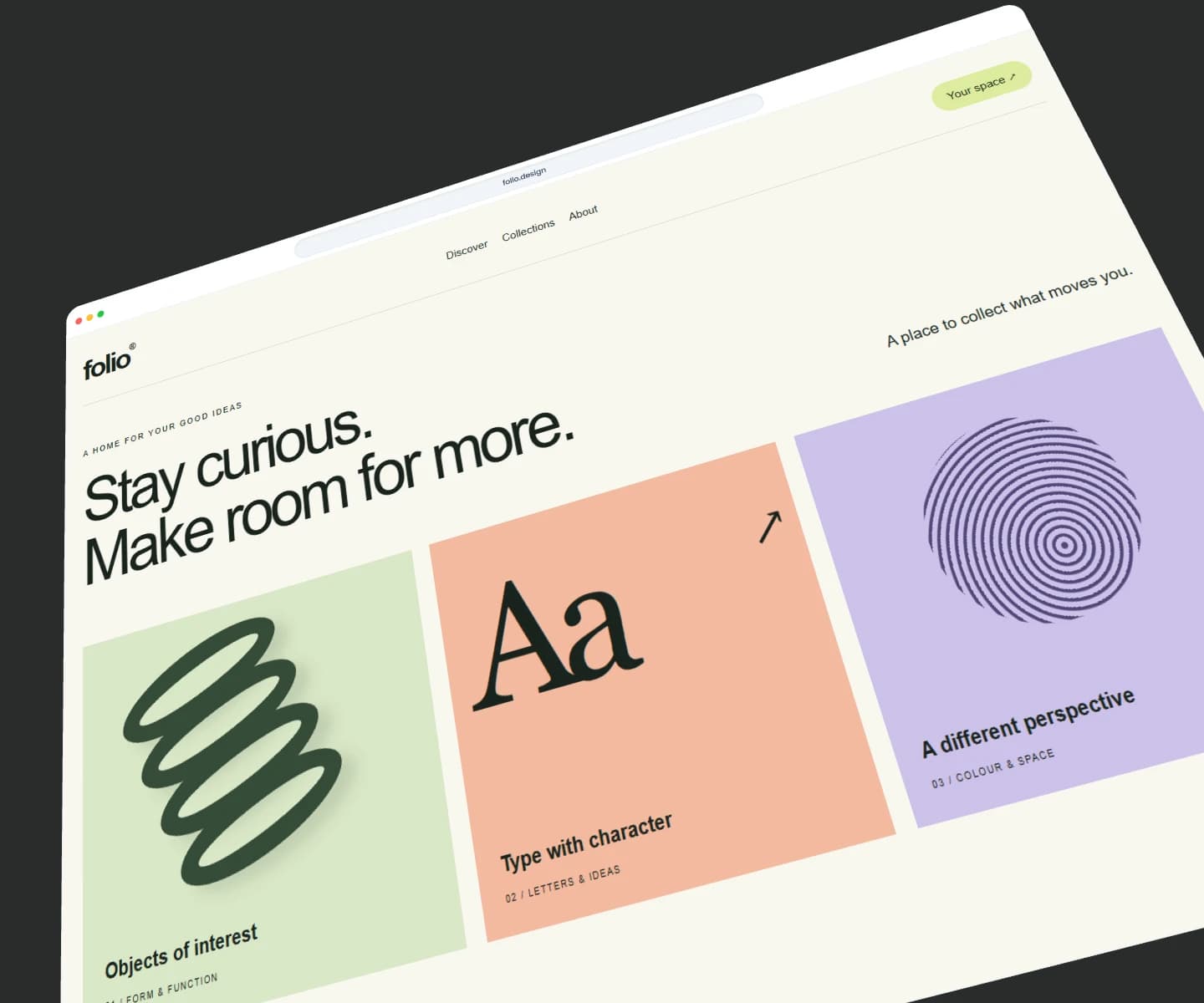
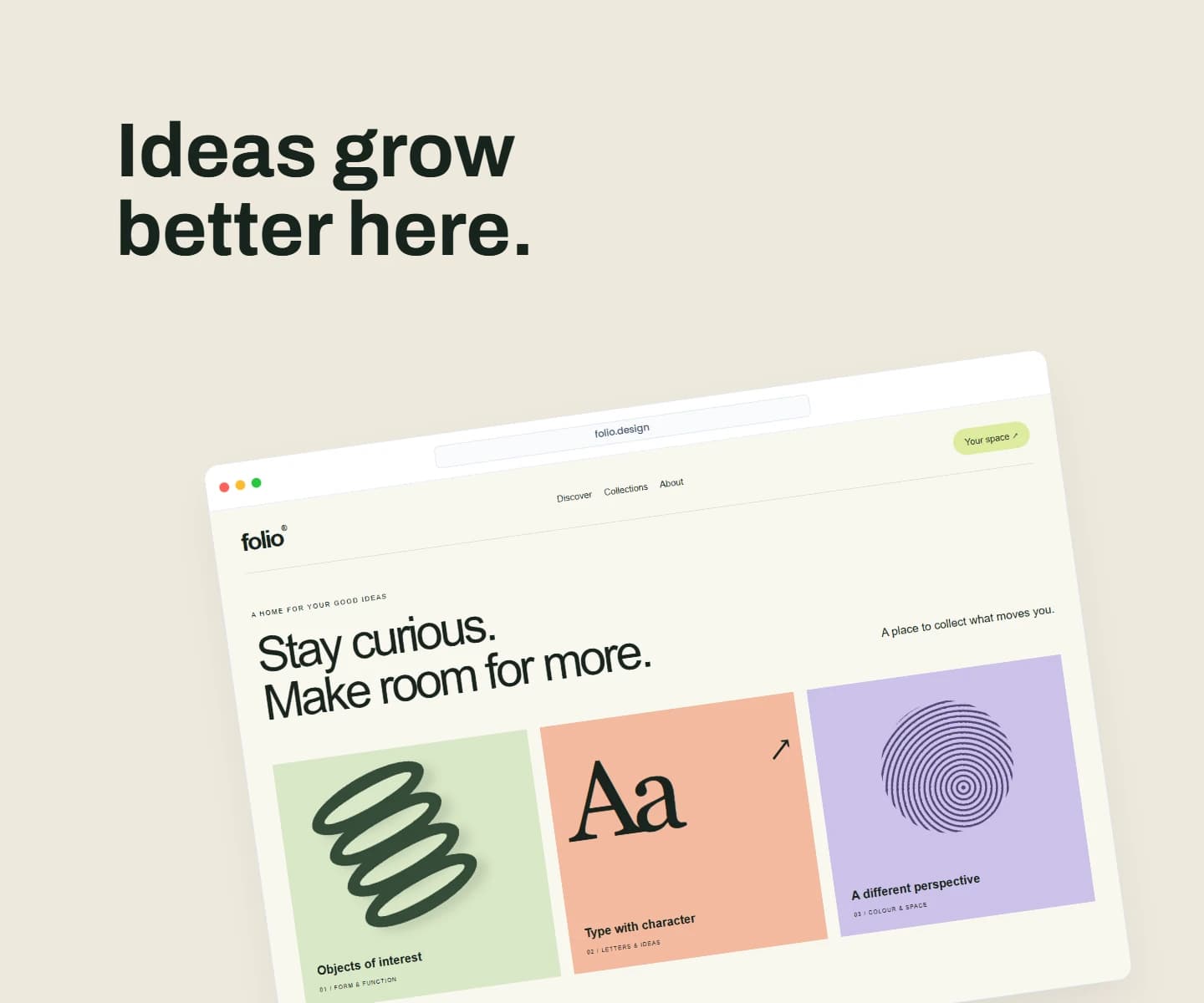
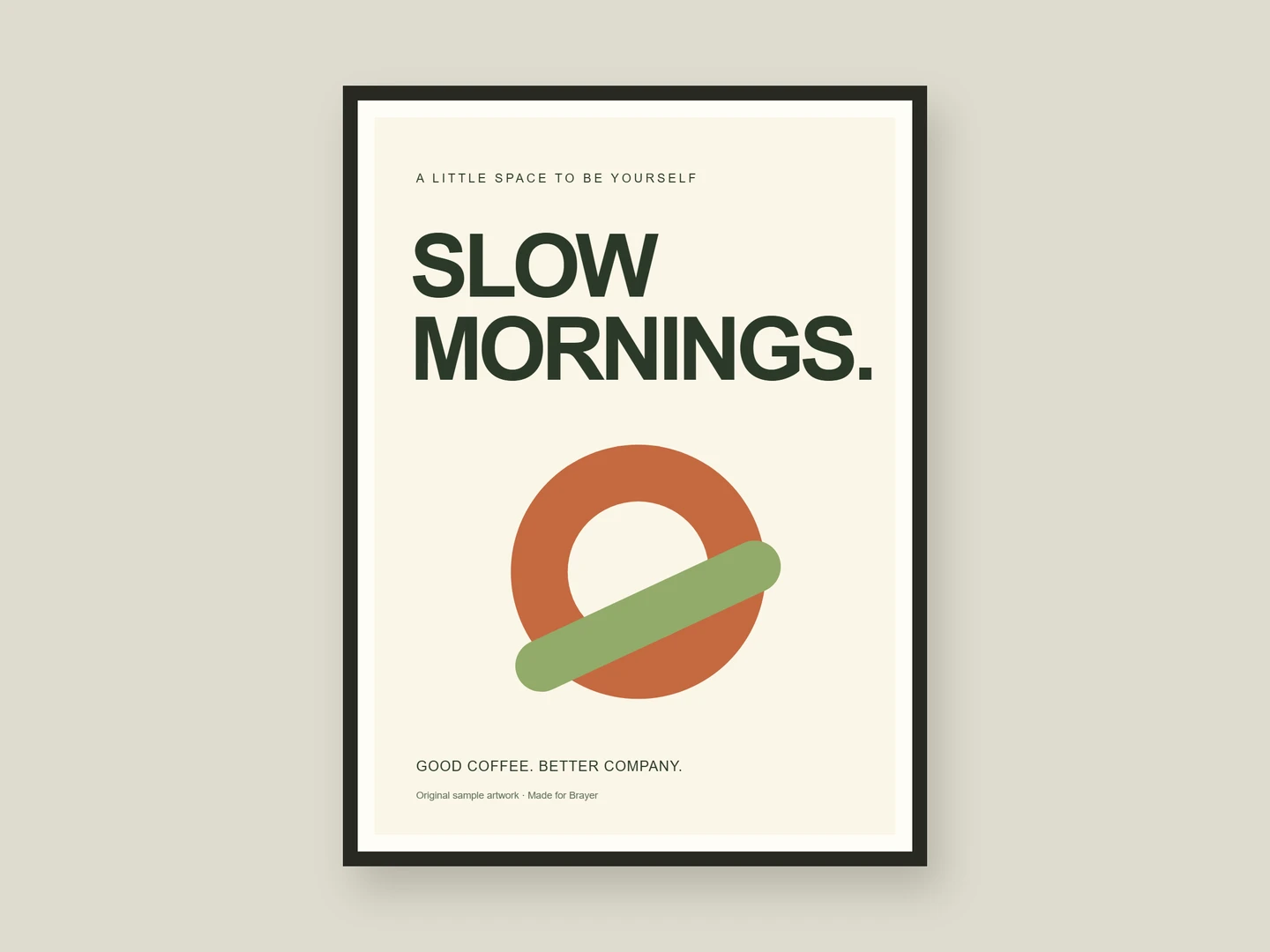
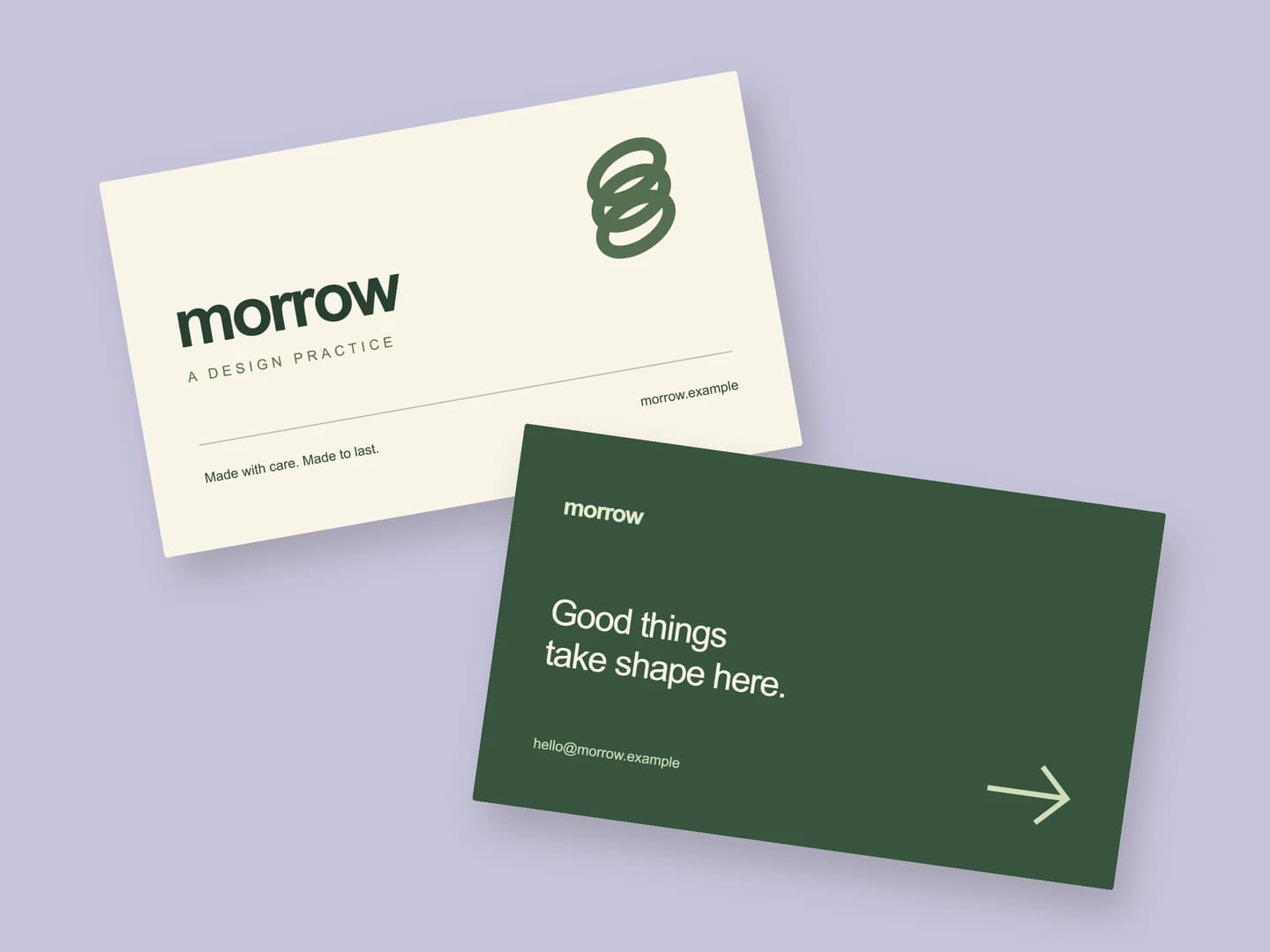
Every example is an editable scene. Open one and replace the sample artwork.
Make something of your ownROOM TO MAKE IT YOURS
Use Quick mockup for a first result, then open Full editor for layers, custom fonts, multiple pages and precise layouts.
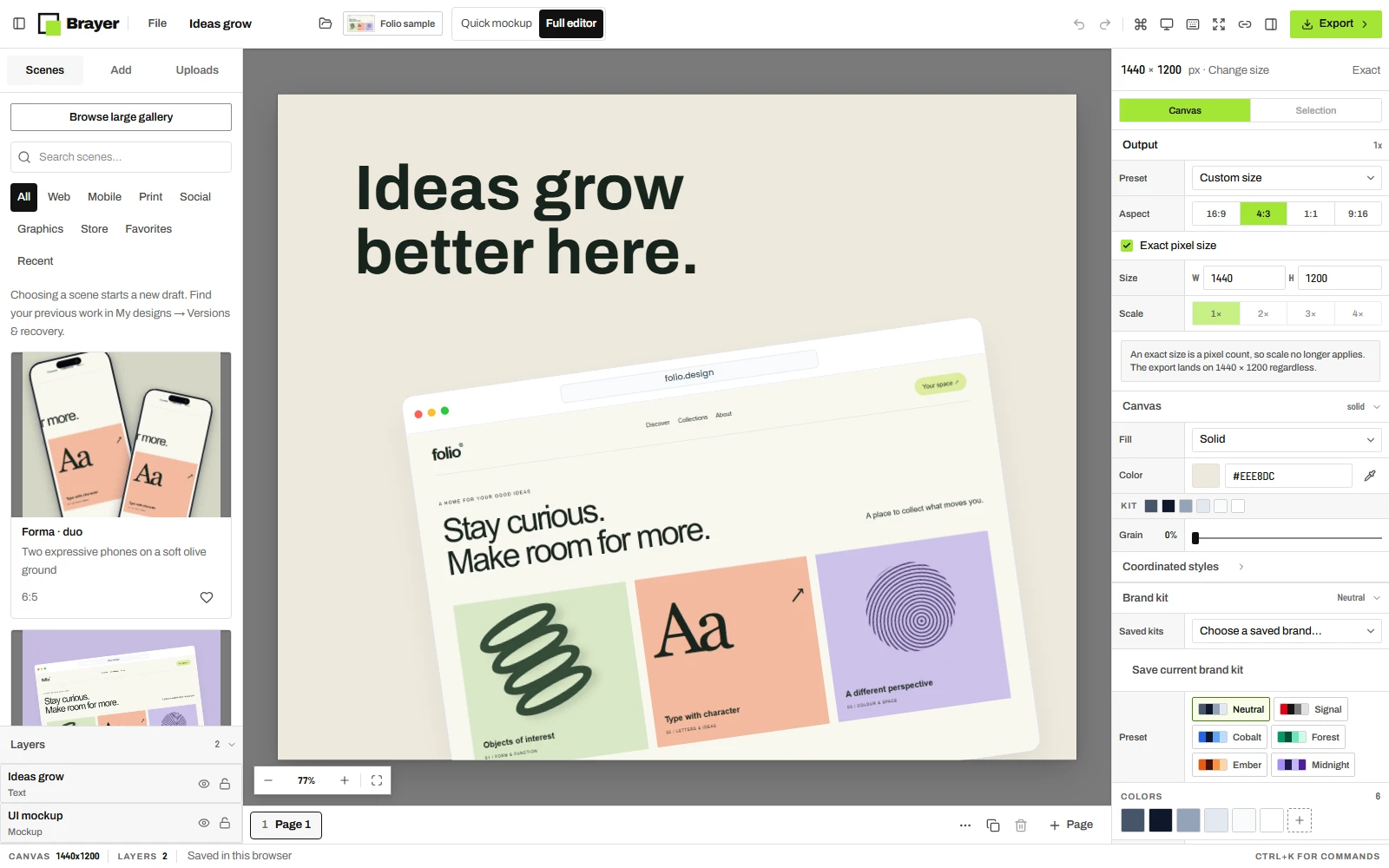
Choose a device frame, explore a 3D angle, or bring your own graphics onto the canvas.
Play with backgrounds, typography, shadows, and layers. Every detail is yours to shape.
Size your composition for its next destination and download a crisp, watermark-free image.
MAKE IT ONCE. MAKE IT YOURS.
Your artwork stays in your browser. Save a reusable scene or export a complete launch set without uploading your files.
Open the studioDrop in a screenshot, an image, or a graphic. Pick a starting scene or begin with a blank canvas.
Choose your framing, add some colour, and arrange the details. Try a few directions. There’s room to play.
Download your mockup and give it a home on your website, in your portfolio, or wherever your audience is.
START WITH WHAT YOU ARE MAKING
Practical starting points for product launches, portfolios, and client work.
Create device mockups, framed posters, business cards, postcards, launch graphics and social posts. Use a starter scene, or compose images, text, shapes and backgrounds on your own canvas.
Yes. Free includes all current frames, starter scenes, editing tools, custom dimensions and unlimited individual PNG/JPEG exports without a watermark. You also get one saved brand kit, three reusable scenes and portable project backups. Pro adds WebP, transparency, extra scale shortcuts, multi-page ZIPs, image batches, size packs, more saved kits and scenes, and optional cloud sync with 1 GB storage.
Start in Quick mockup: add your image, choose a scene and customize. Open Full editor for layers and precise adjustments. Switching views preserves your entire design.
No. The Print & stationery collection includes framed and unframed posters, business cards, postcards and flyers. You can also compose your own images and typography. Richer packaging and clothing mockups are planned for later.
No installation or account is needed to use the free studio. Open Brayer in a desktop browser and start creating. Your designs are saved in that browser, so you can come back to them. An account is needed for Pro features.
Your images and designs stay in your browser by default. They are not uploaded to make a mockup or export it. Optional cloud sync is available with Pro when you choose to enable it.
YOU BRING THE IDEA. WE’LL BRING THE STUDIO.
Free to start. Yours to make.

